Loading view.
Landing a Job in Today’s World
Lifelong Skills & Opportunity Center 27 Barrow St, 4th Floor, New YorkWeek of Events
-
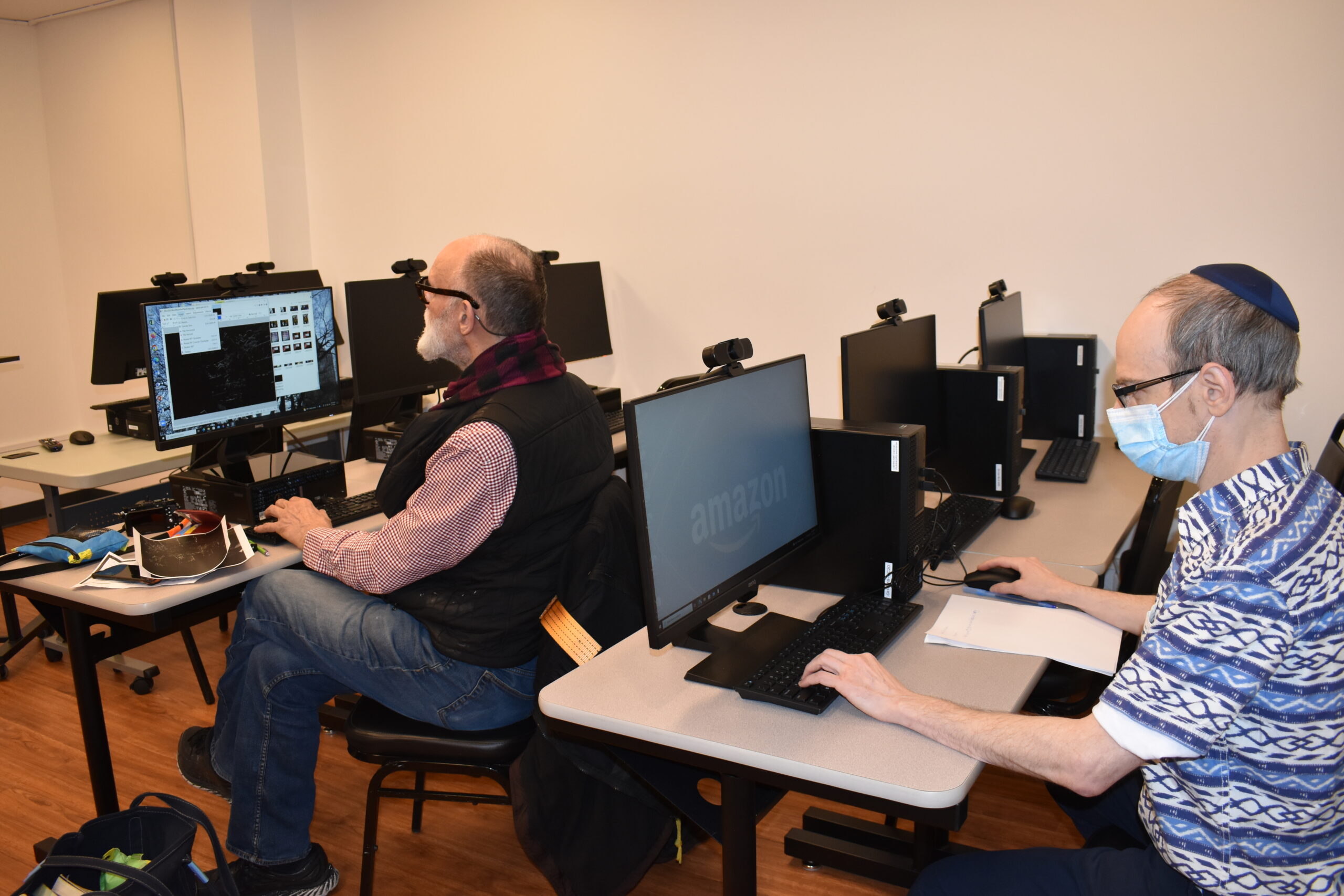
Small Group Computer Support
-
Landing a Job in Today’s World
Landing a Job in Today’s World
This program is a great fit for those who have have retired and want to reenter the workforce, been out of the workforce for some time, want to build on current skills and wish to return to work, want to understand the basics of how to reenter today’s job market, or those who want one-on-one […]
-
Explore Your Future
Explore Your Future
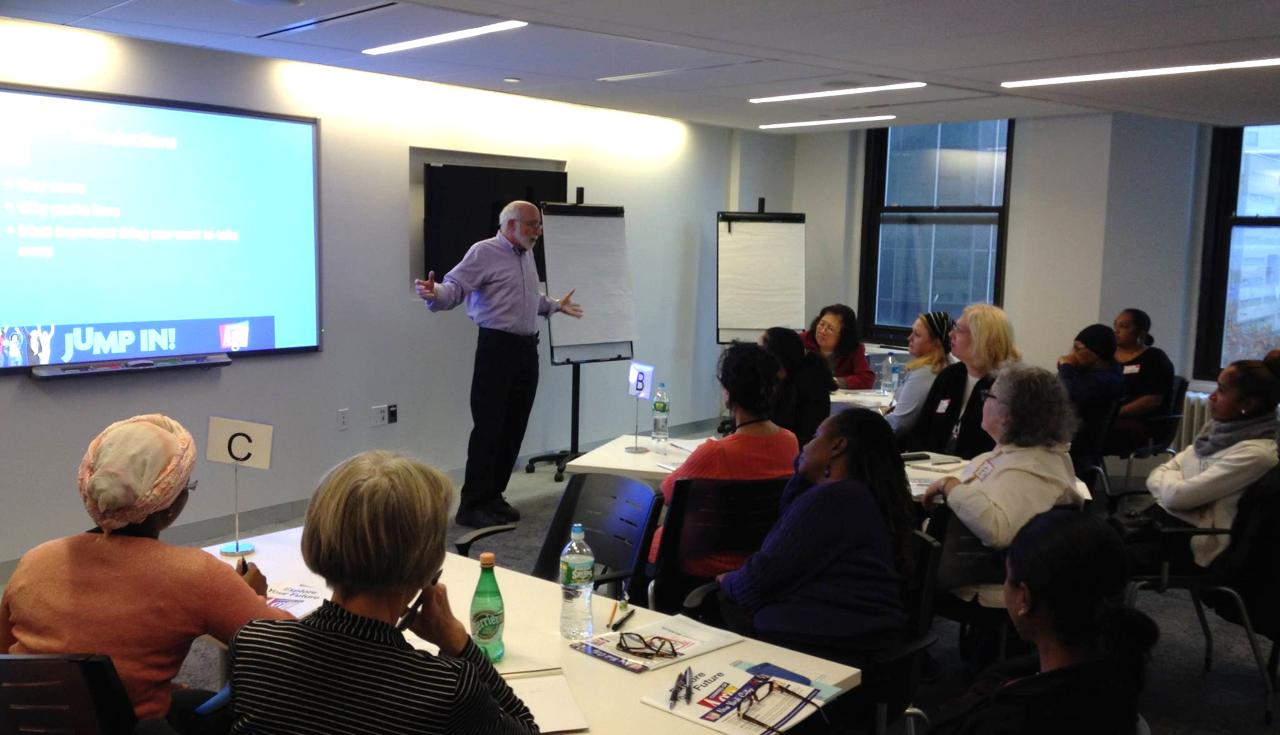
Are you considering exploring a new career, finding a meaningful volunteer experience, discovering a new hobby, or pursuing an unfulfilled dream, Explore Your Future is for you! The Explore Your Future workshop is designed to help you chart a path to a fulfilling future. Through interactive exercises and lively discussions, you will be guided to […]
-
Small Group Computer Support
-
Learn Microsoft Word
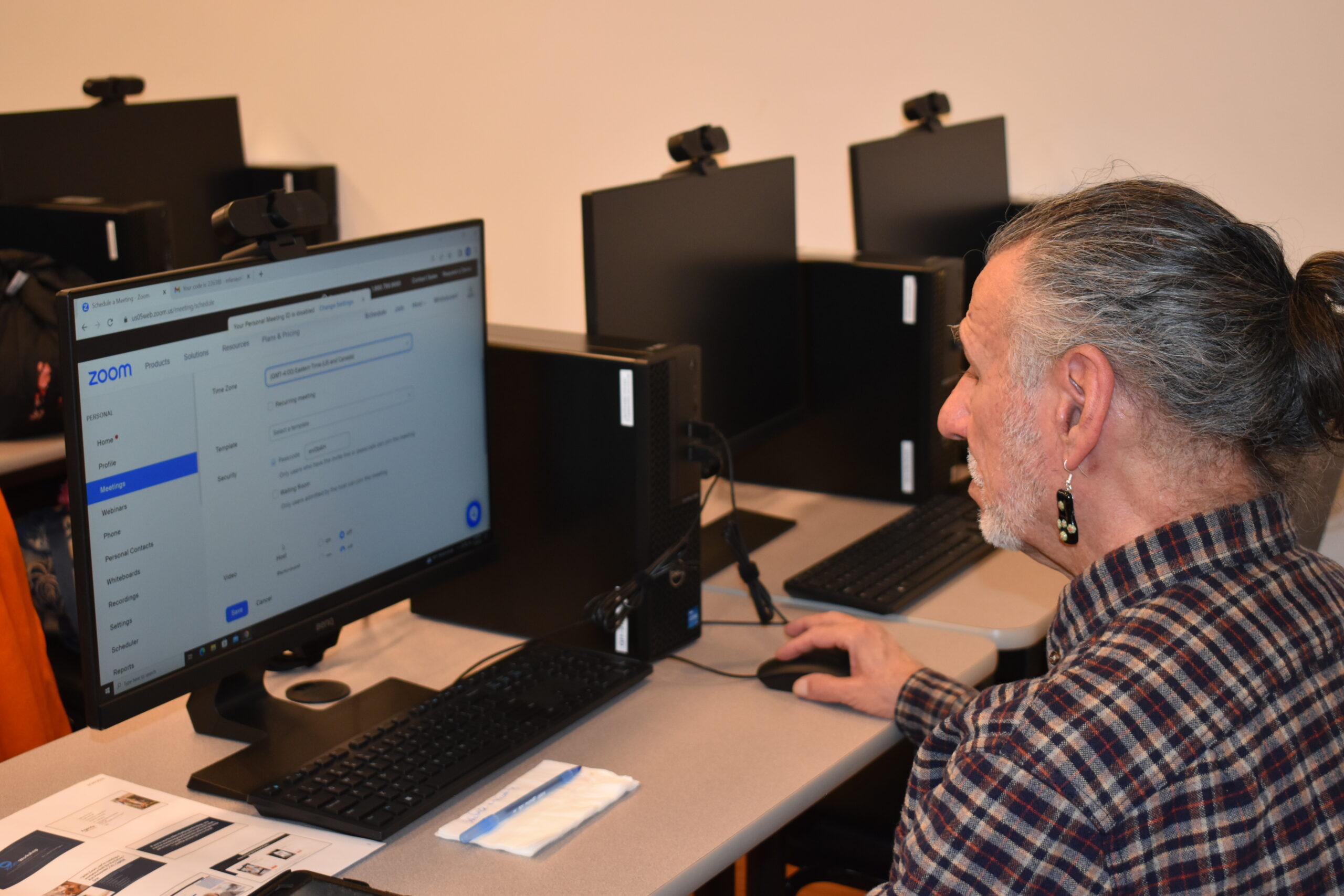
Learn Microsoft Word
This workshop gives instructions on how to use or improve your skills in Microsoft Word and create documents such as cover letters, resumes, and standard business letters. Prerequisite: Ability to use keyboard and mouse. Led by Tech Specialist Avi Green.
-
Small Group Computer Support
-
Working While Receiving Social Security and Other Benefits 101
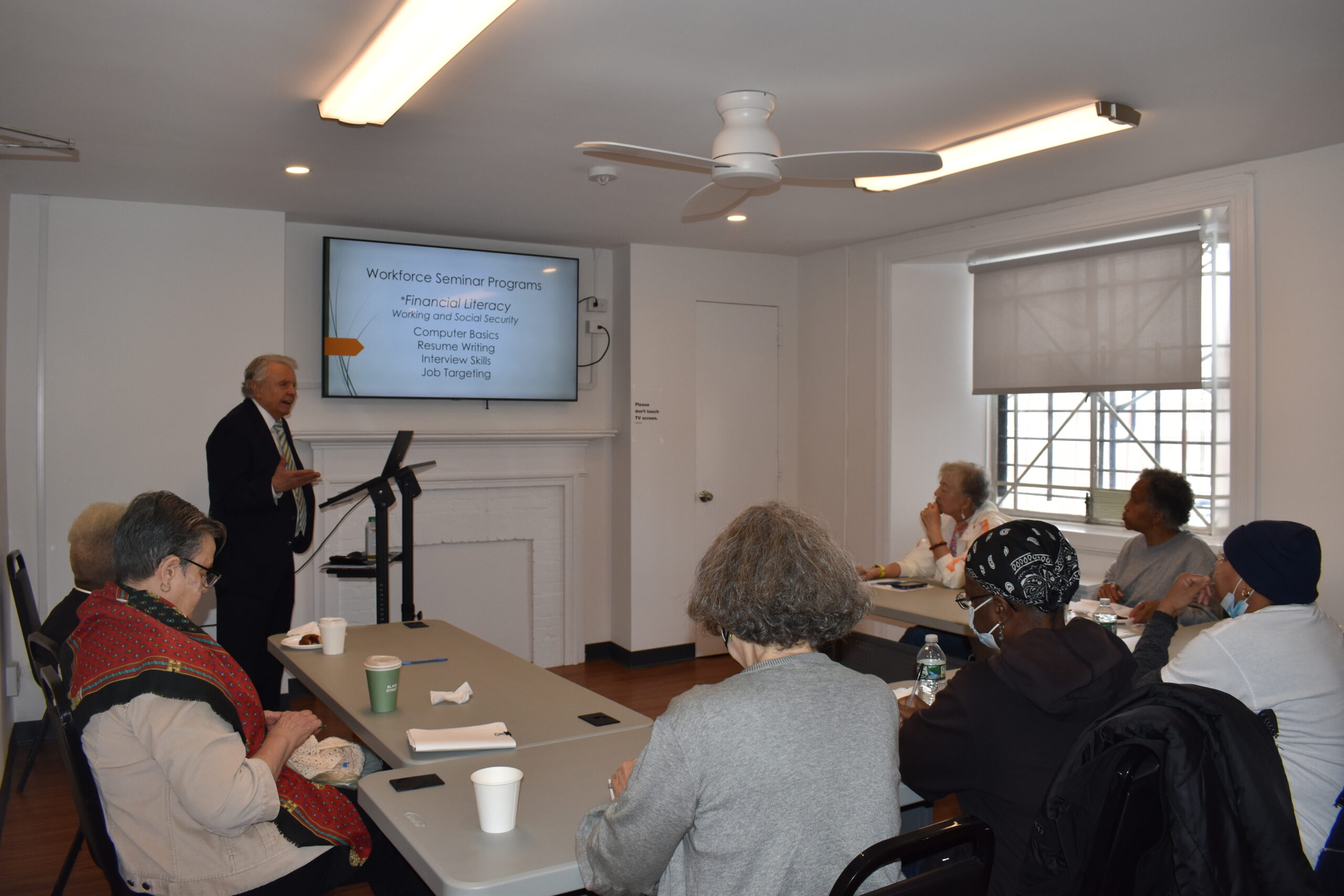
Working While Receiving Social Security and Other Benefits 101
Understand how earning money can affect your benefits and determine if it’s the right time to retire or unretire! Led by Financial Educator Allan Torrey
-
Learn Microsoft Excel
Learn Microsoft Excel
This workshop gives basic instructions on how to navigate Microsoft Excel, entering and analyzing data, formatting text and headings, organizing a workbook, formulas, inserting charts, saving and printing, and more! Prerequisite: Ability to use keyboard and mouse. Led by Tech Specialist Avi Green.
-
Computers 101
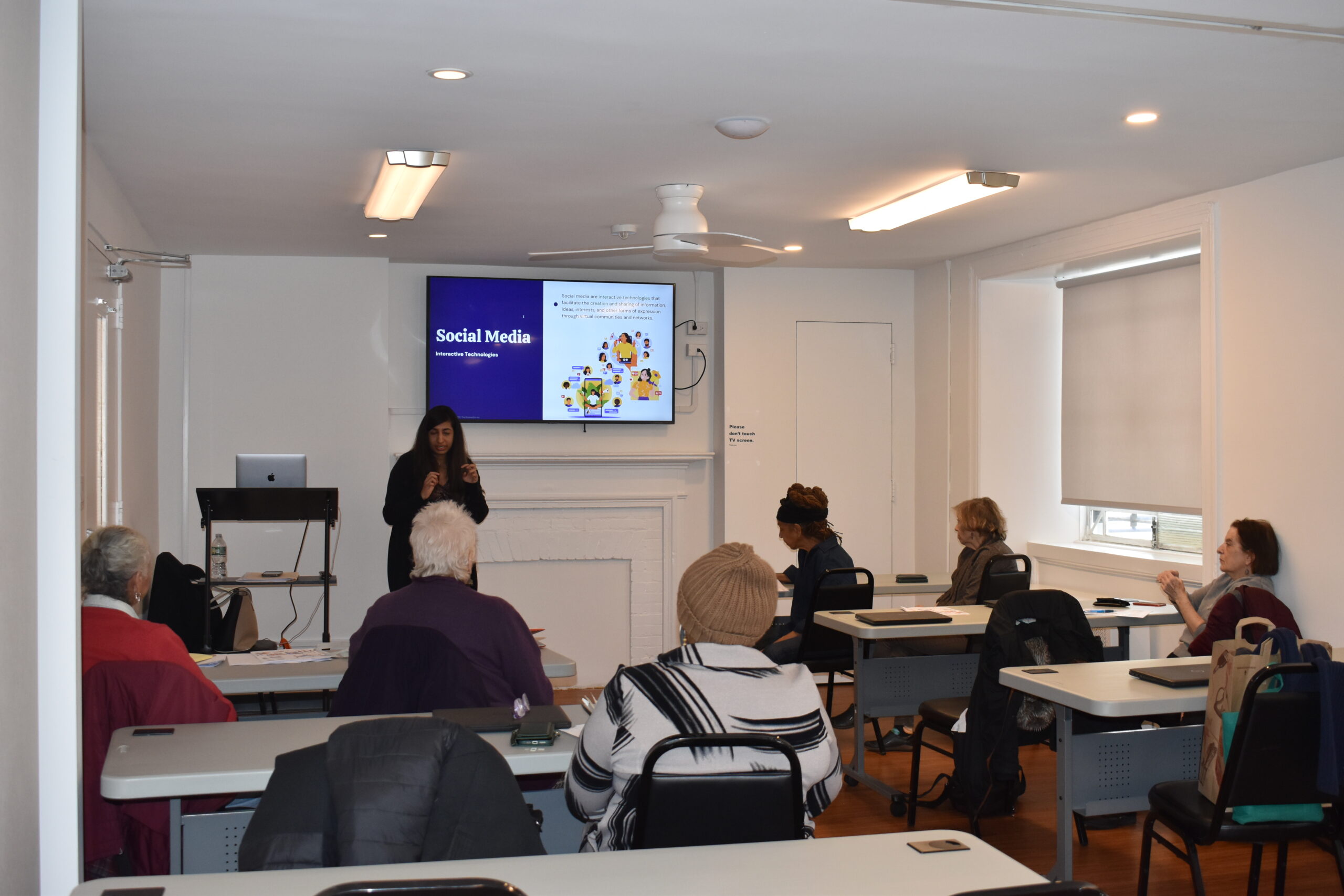
Computers 101
An introductory workshop will help you understand the basics of computer usage, including utilizing the keyboard and shortcuts, email, search, and basic functions. With Instructor Avi Green.