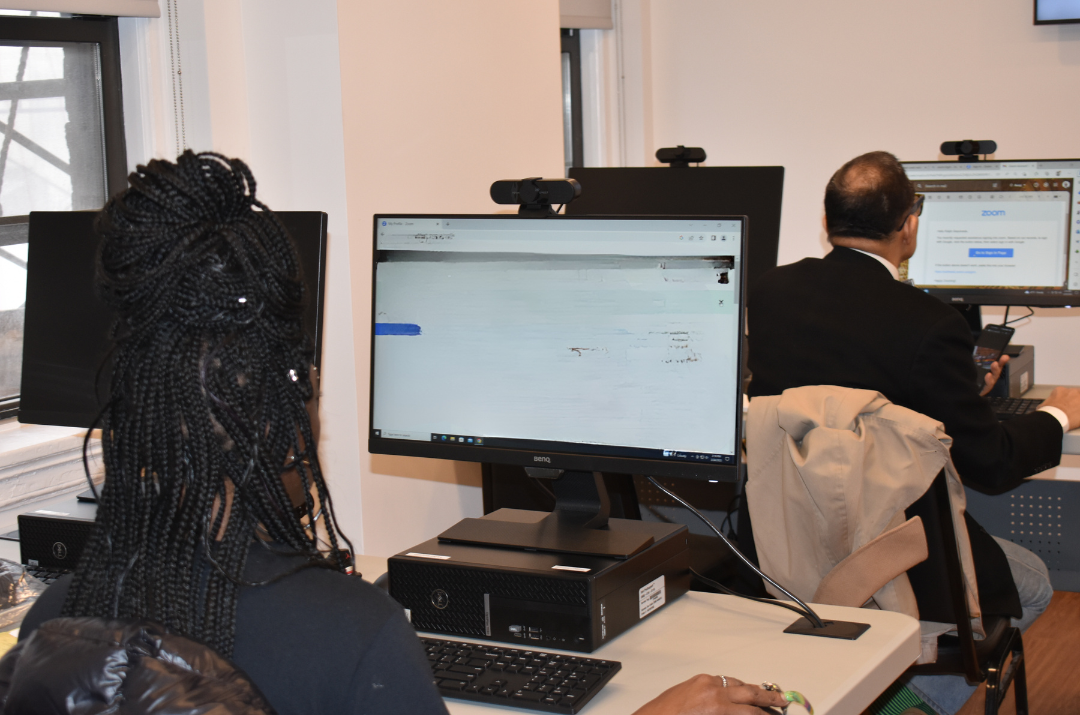
Microsoft Windows 101
An workshop will help you understand the basics of computer usage, including utilizing the keyboard and shortcuts, email, search, and basic functions. Led by Instructor Avi Green.
An workshop will help you understand the basics of computer usage, including utilizing the keyboard and shortcuts, email, search, and basic functions. Led by Instructor Avi Green.
This workshop teaches members how to prepare a professional targeted resume that reflects their skills, knowledge and education that are relevant to the job they are seeking. This increases the chance that your resume will pass the automated screening process (i.e. often known as the Applicant Tracking Systems, or ATS resume test) and gets an […]

This workshop is designed to provide beginners with essential knowledge and skills for effectively using smartphones. Participants will learn about basic features, navigation, app usage, and essential tips for maximizing the capabilities of their smartphones in their daily lives.
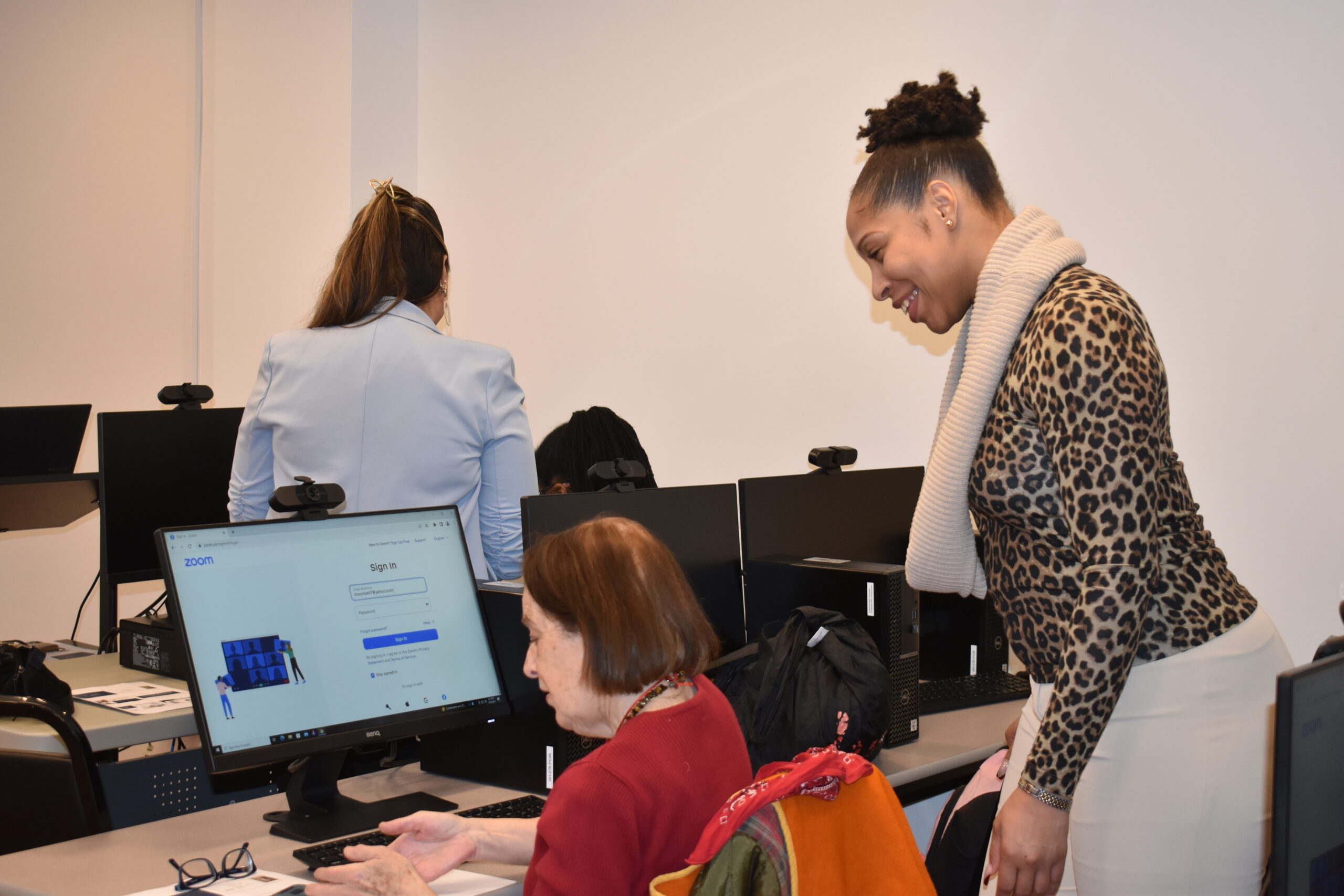
What’s all the Zoom about? In this fun and interactive workshop, you’ll learn all tips and tricks with Zoom! You will also learn how to get started, set up an account and set a background image, join a meeting, schedule a meeting, download the app, and more. Please come at 2pm if you do not […]
This program is a great fit for those who have have retired and want to reenter the workforce, been out of the workforce for some time, want to build on current skills and wish to return to work, want to understand the basics of how to reenter today’s job market, or those who want one-on-one […]

Join our "iPhone and iPad Fundamentals" workshop to master the essential features and functionalities of Apple's iOS devices. Learn how to navigate the interface, personalize settings, manage apps, utilize key productivity tools, and discover tips for maximizing your iPhone and iPad experience. Suitable for beginners and intermediate users alike.
Learn the essential skills and knowledge for a successful job search! In this class, you will learn the essentials of resume and cover letter writing, interview techniques, and what to expect to land a job in today's world. Gain the confidence and tools needed to stand out in today's competitive job market!
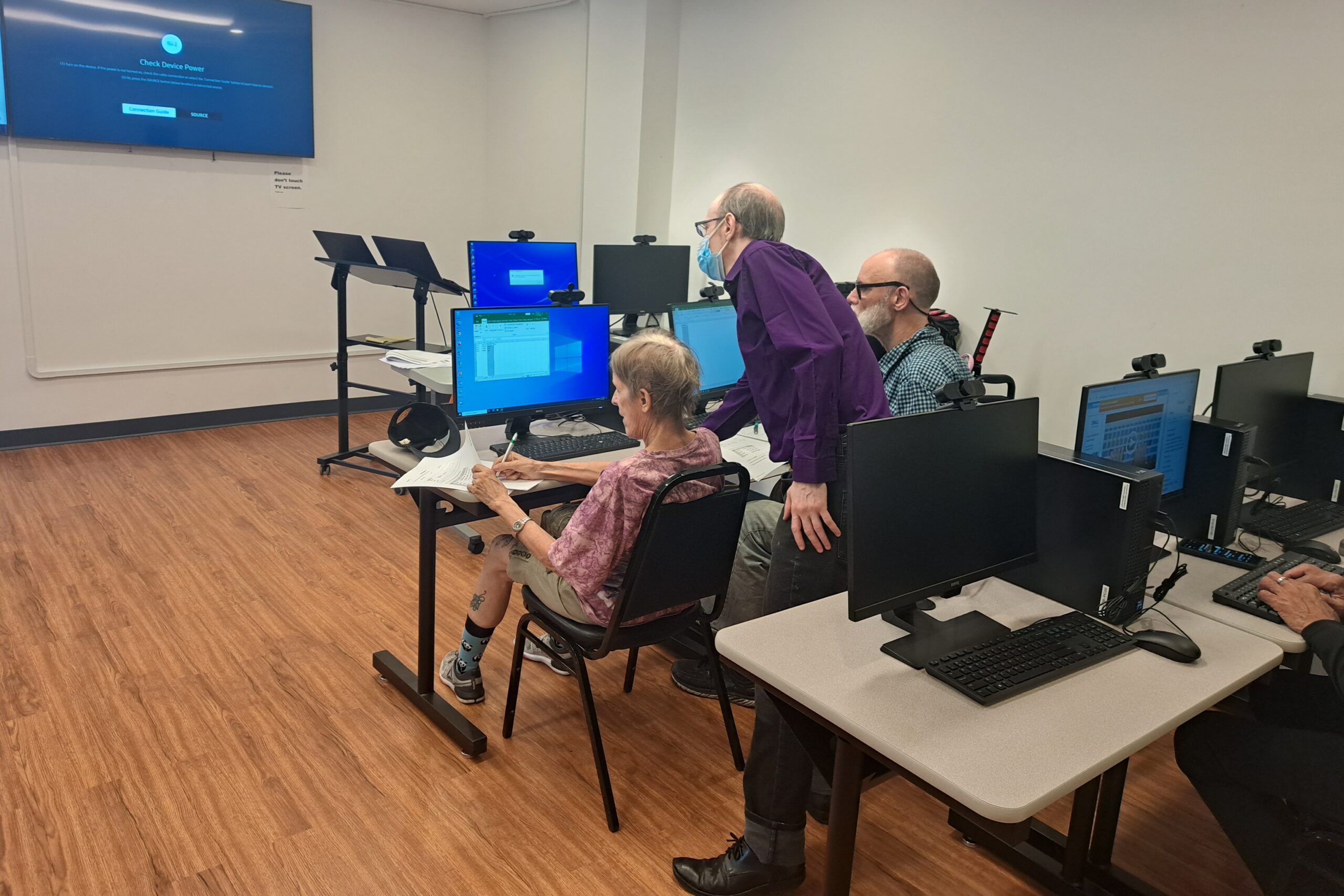
An introductory workshop will help you understand the basics of computer usage, including utilizing the keyboard and shortcuts, email, search, and basic functions. With Instructor Avi Green.
This workshop teaches members how to prepare a professional targeted resume that reflects their skills, knowledge and education that are relevant to the job they are seeking. This increases the chance that your resume will pass the automated screening process (i.e. often known as the Applicant Tracking Systems, or ATS resume test) and gets an […]
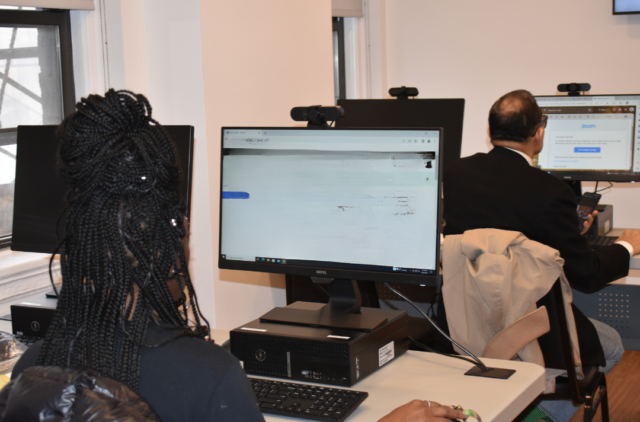
This workshop gives instructions on how to use or improve your skills in Microsoft Word and create documents such as cover letters, resumes, and standard business letters. Prerequisite: Ability to use keyboard and mouse. Led by Tech Specialist Avi Green.
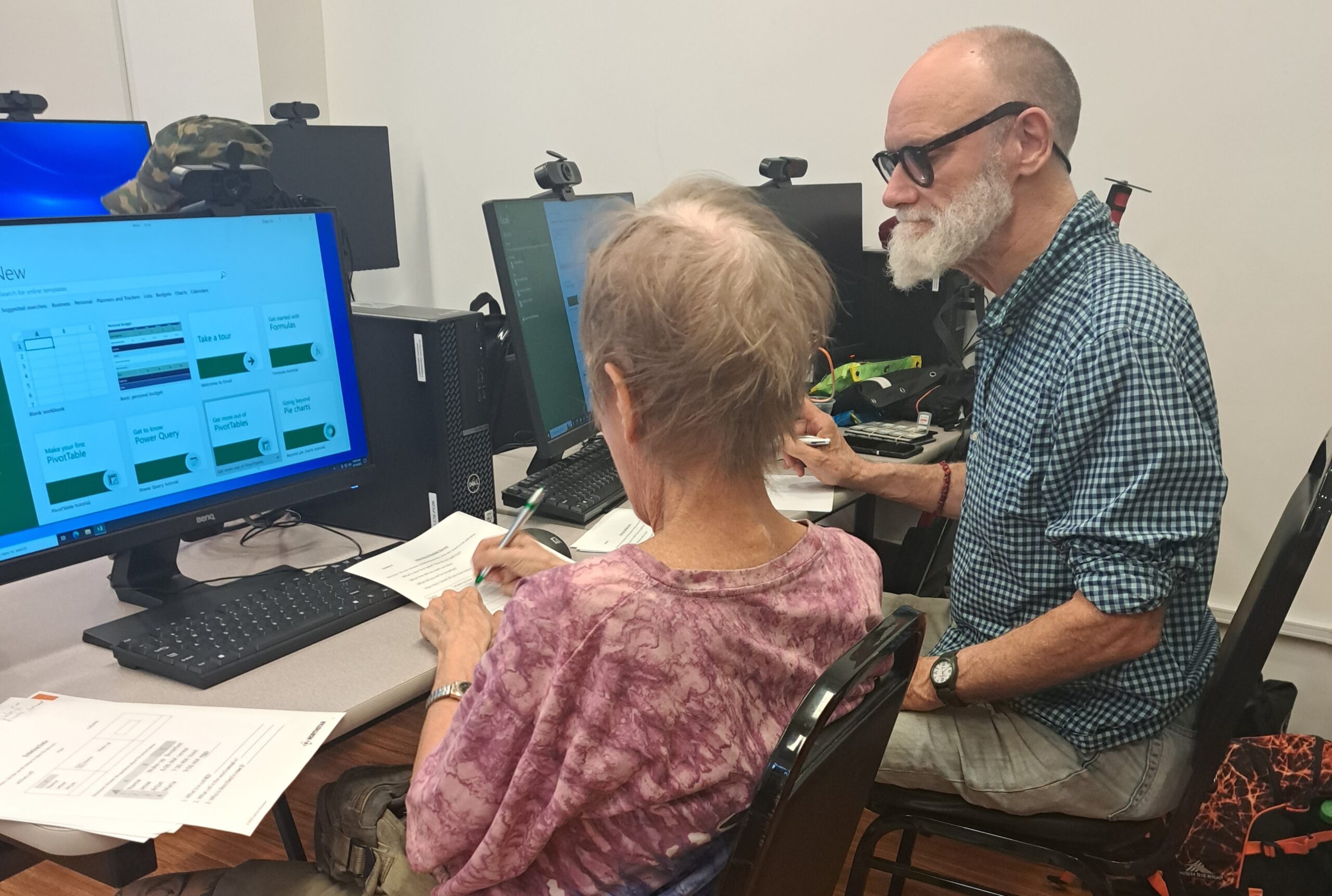
This workshop series gives basic instructions on how to navigate Microsoft Excel, entering and analyzing data, formatting text and headings, organizing a workbook, formulas, inserting charts, saving and printing, and more! Prerequisite: Ability to use keyboard and mouse. Led by Tech Specialist Avi Green.
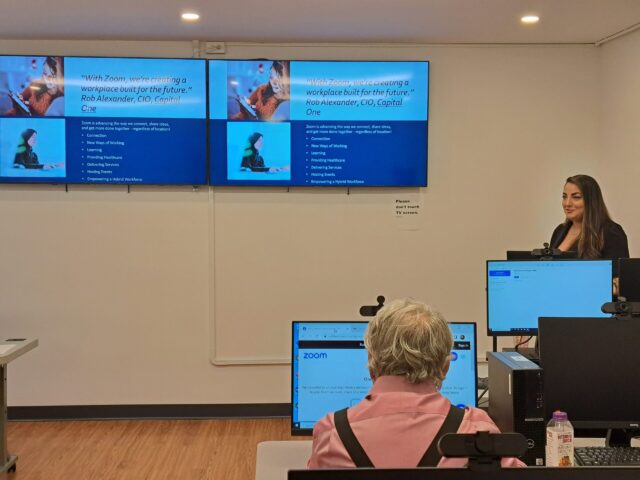
What’s all the Zoom about? In this fun and interactive workshop, you’ll learn all tips and tricks with Zoom! You will also learn how to get started, set up an account and set a background image, join a meeting, schedule a meeting, download the app, and more. Please come at 1:30pm if you do not […]
Monday, Feb 23: All Greenwich House buildings are closed except the Center for Healing. The Center for Resiliency and Wellness is open remotely.