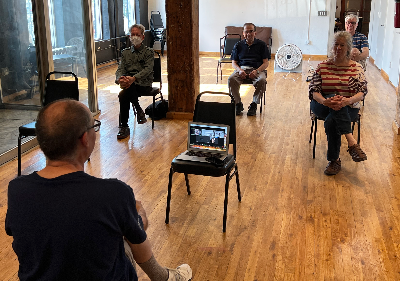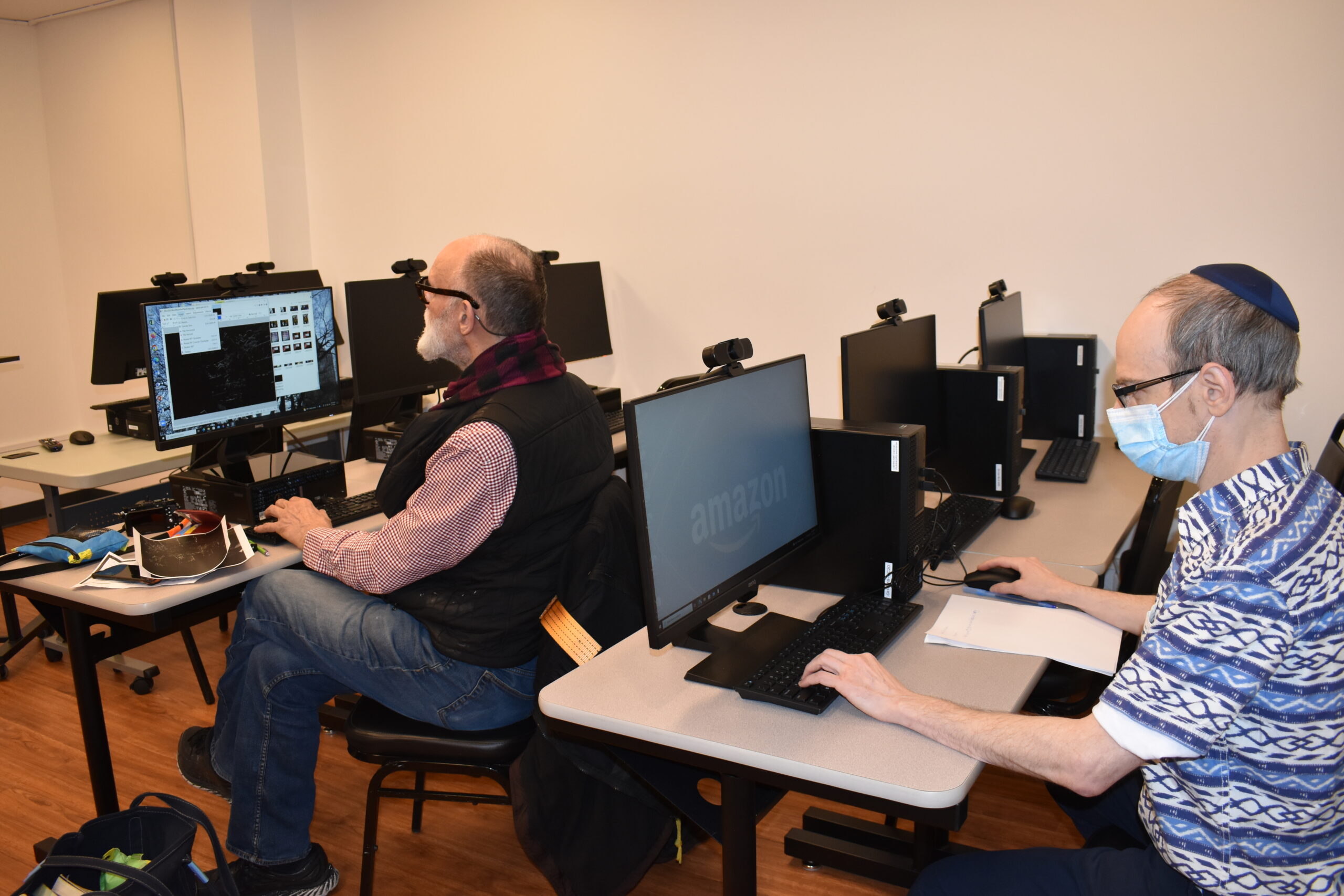
Small Group Computer Support
Lifelong Skills & Opportunity Center 27 Barrow St, 4th Floor, New York, NY, United StatesSurf the web, sign document, print, copy, and more with tech support.
Surf the web, sign document, print, copy, and more with tech support.
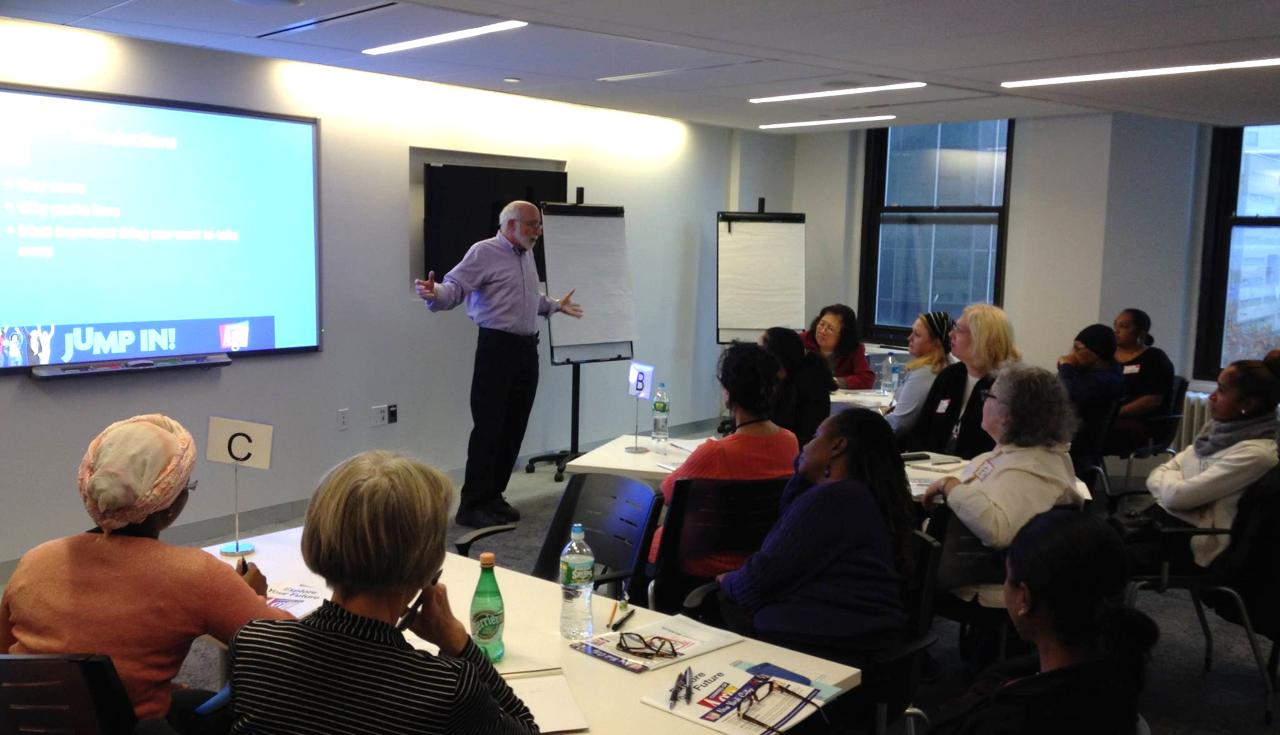
Are you considering exploring a new career, finding a meaningful volunteer experience, discovering a new hobby, or pursuing an unfulfilled dream, Explore Your Future is for you! The Explore Your Future workshop is designed to help you chart a path to a fulfilling future. Through interactive exercises and lively discussions, you will be guided to […]
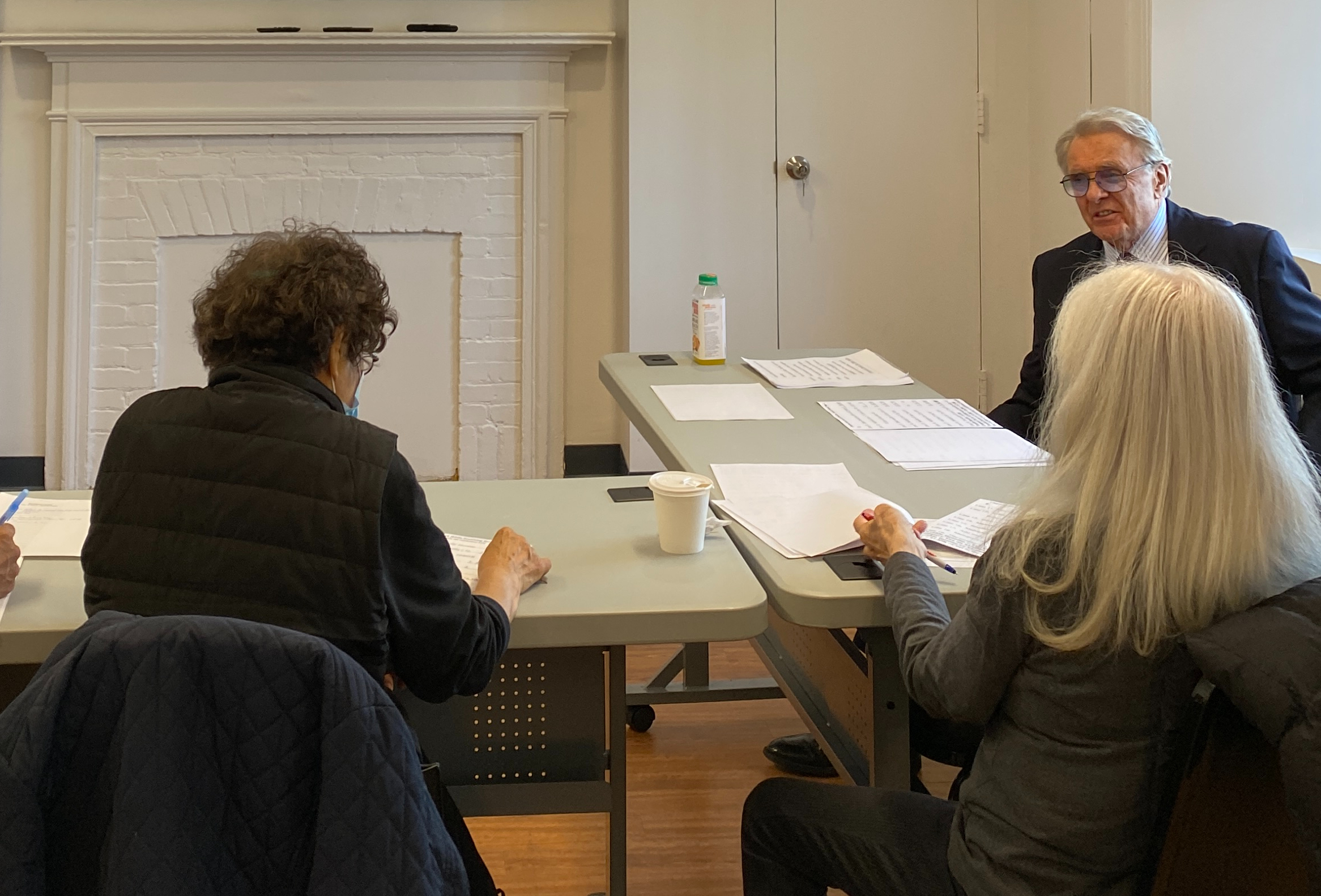
An interactive workshop designed to help you understand your current health plan options by exploring ways to save money on your monthly bills. Led by Financial Educator Allan Torrey
This will be an informal discussion group covering current events. Topics will be selected from the news headlines of the previous week or from circumstances affecting the membership of the Center on the Square.
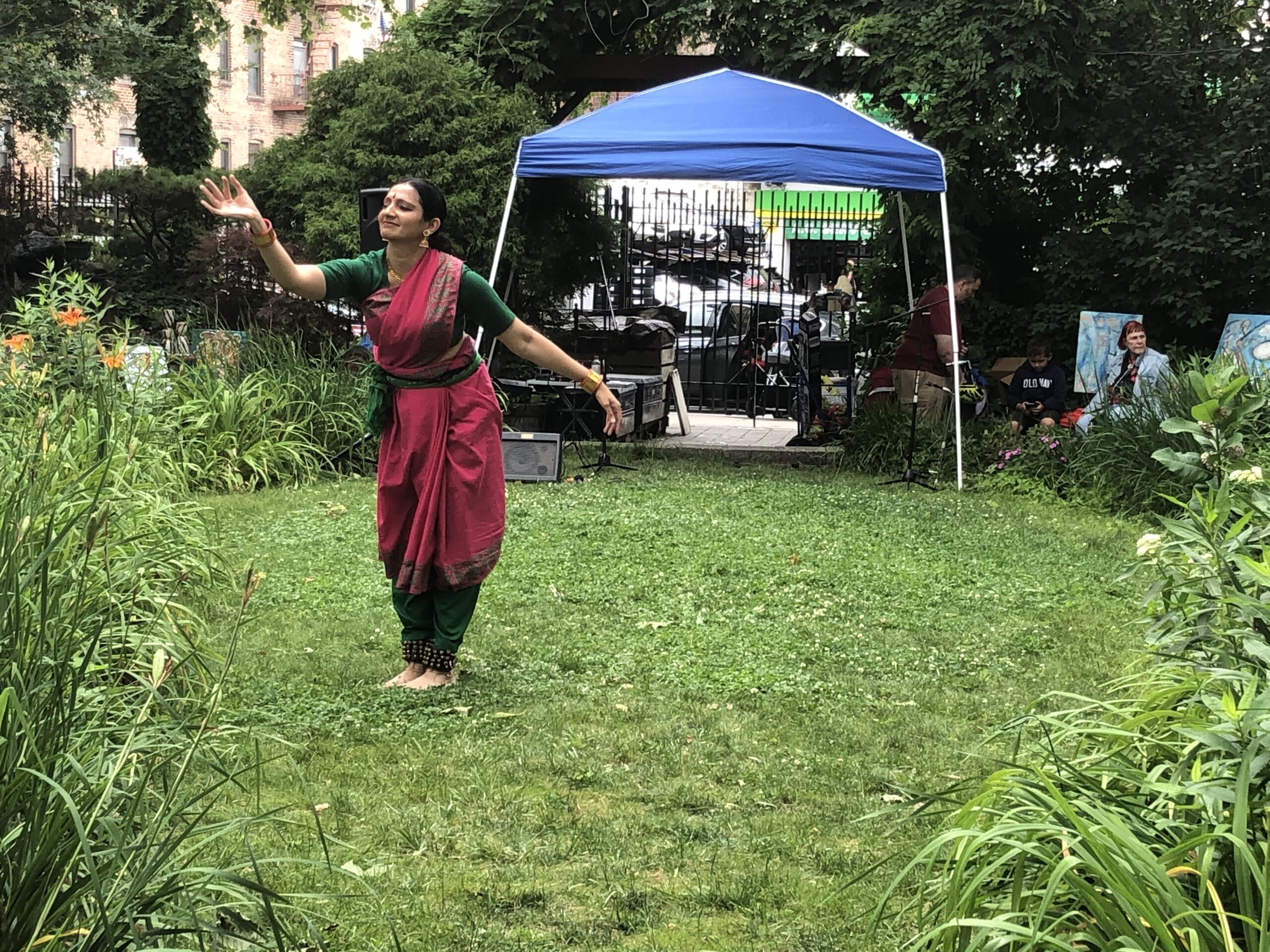
Originating in the temples of South India, Bharatanatyam consists of a rich vocabulary of facial expressions, hand gestures, narration, storytelling, and percussive. Members will start with gentle warmup of the hands, fingers, arms, and legs. A final presentation will be held on June 5th, 2023
This program is a great fit for those who have have retired and want to reenter the workforce, been out of the workforce for some time, want to build on current skills and wish to return to work, want to understand the basics of how to reenter today’s job market, or those who want one-on-one […]
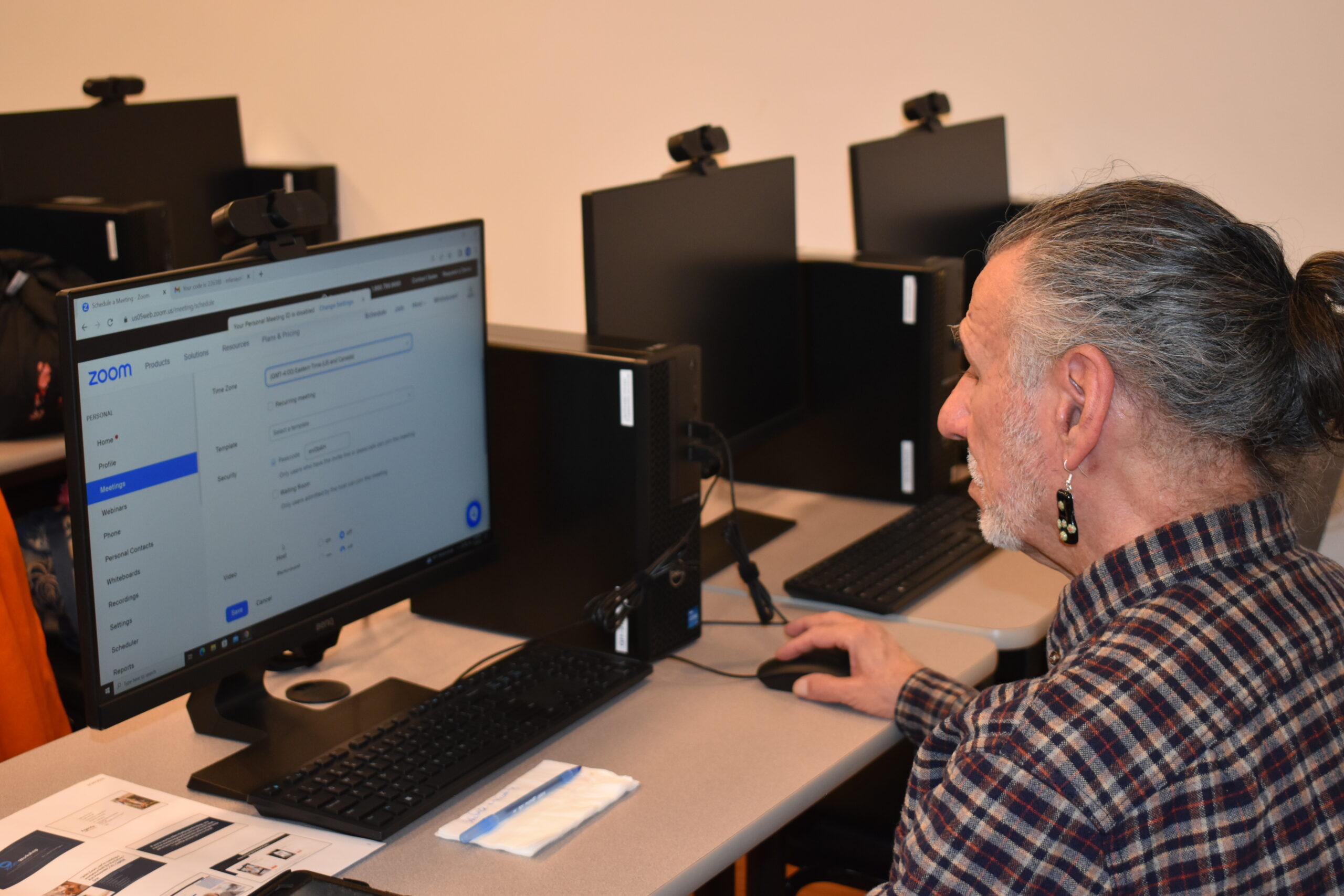
This workshop gives instructions on how to use or improve your skills in Microsoft Word and create documents such as cover letters, resumes, and standard business letters. Prerequisite: Ability to use keyboard and mouse. Led by Tech Specialist Avi Green.
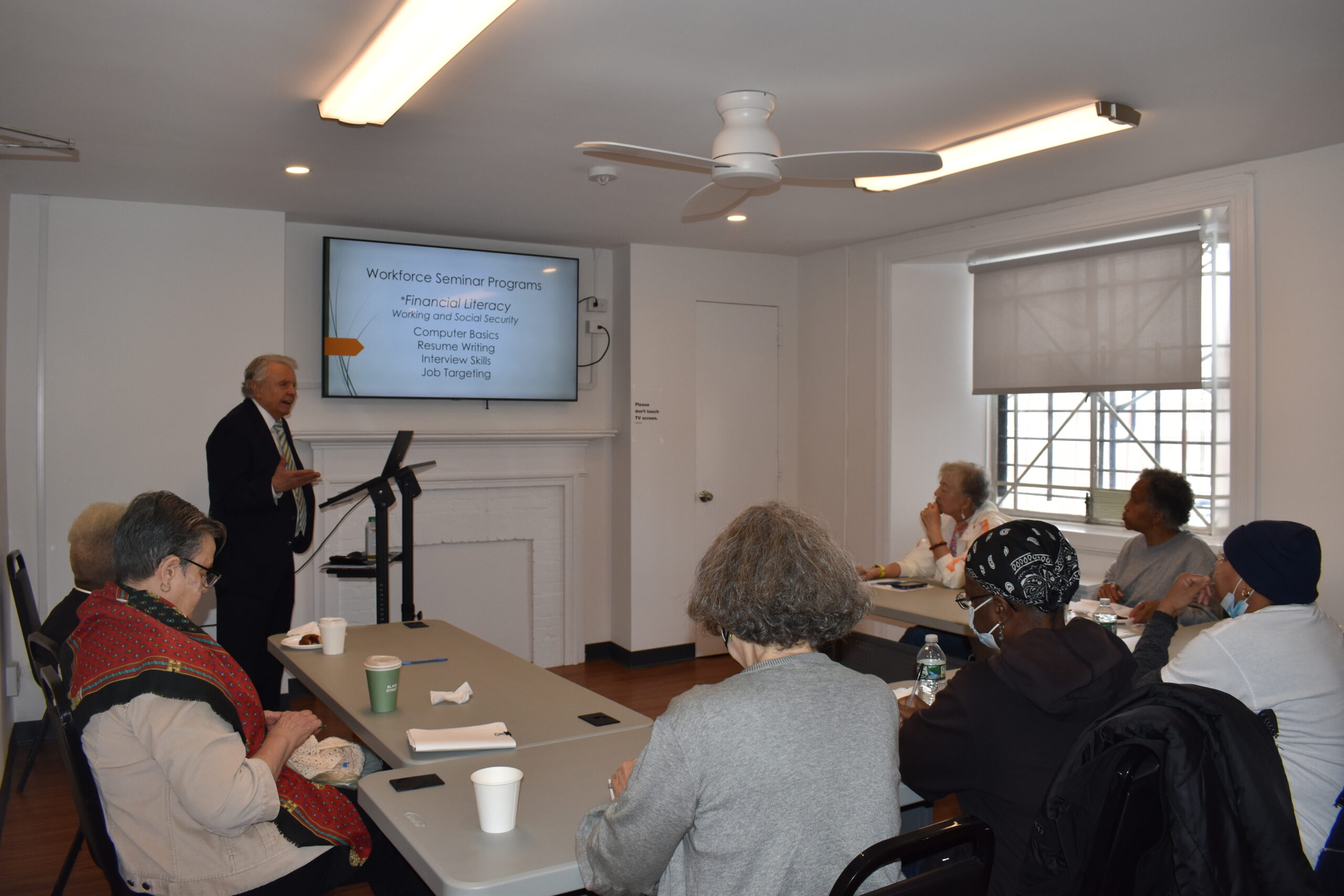
Understand how earning money can affect your benefits and determine if it’s the right time to retire or unretire! Led by Financial Educator Allan Torrey
This workshop gives basic instructions on how to navigate Microsoft Excel, entering and analyzing data, formatting text and headings, organizing a workbook, formulas, inserting charts, saving and printing, and more! Prerequisite: Ability to use keyboard and mouse. Led by Tech Specialist Avi Green.
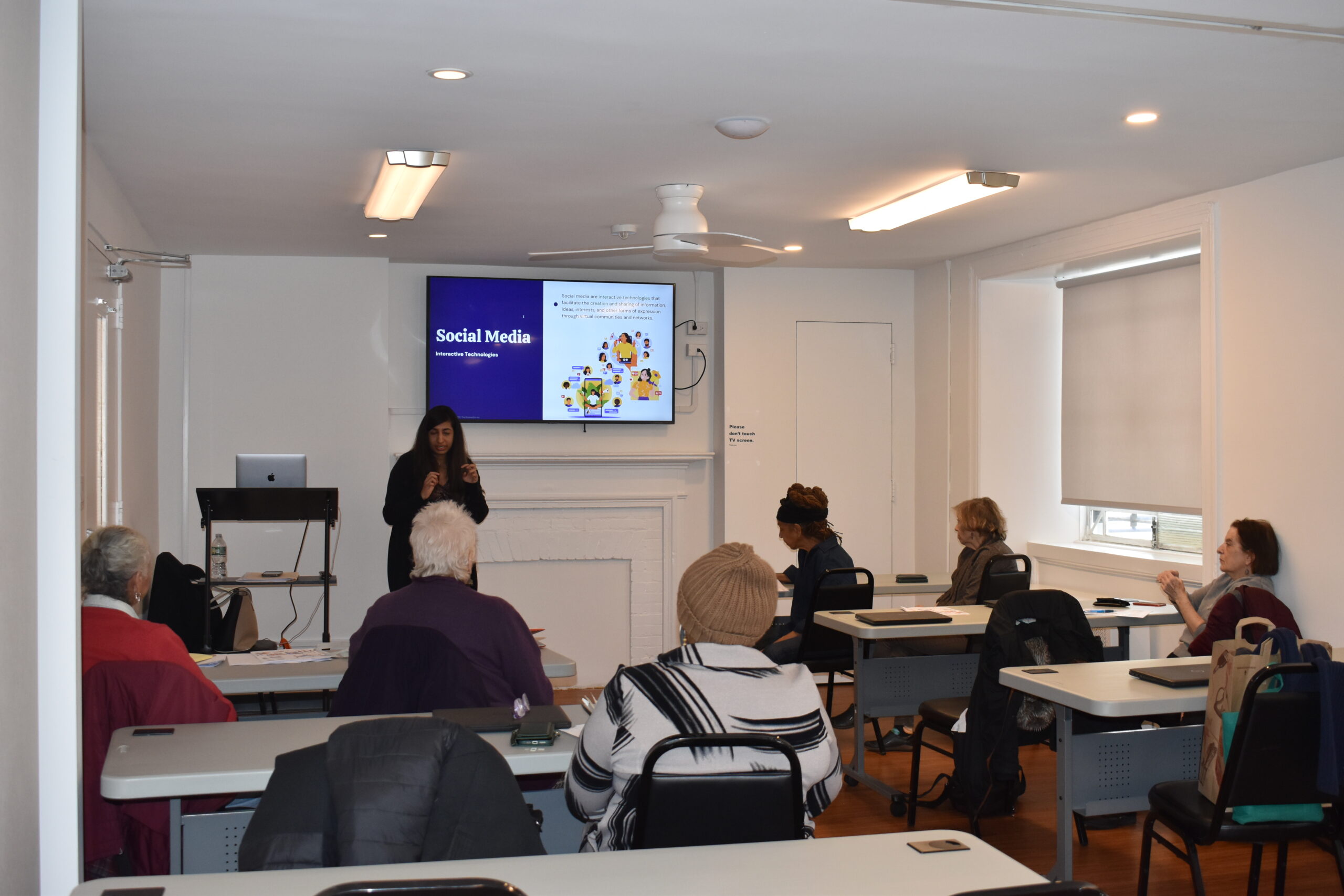
An introductory workshop will help you understand the basics of computer usage, including utilizing the keyboard and shortcuts, email, search, and basic functions. With Instructor Avi Green.
Monday, Feb 23: All Greenwich House buildings are closed except the Center for Healing. The Center for Resiliency and Wellness is open remotely.