• Learn Microsoft Excel

    Recurring
    Lifelong Skills & Opportunity Center 27 Barrow St, 4th Floor, New York, NY, United States

    This 4-part workshop series gives basic instructions on how to navigate Microsoft Excel, entering and analyzing data, formatting text and headings, organizing a workbook, formulas, inserting charts, saving and printing, and more! This is the second of a four part series to learn Microsoft Excel. Each class builds upon the previous to learn the basics and […]

  • Zoom 101

    Recurring
    Lifelong Skills & Opportunity Center 27 Barrow St, 4th Floor, New York, NY, United States

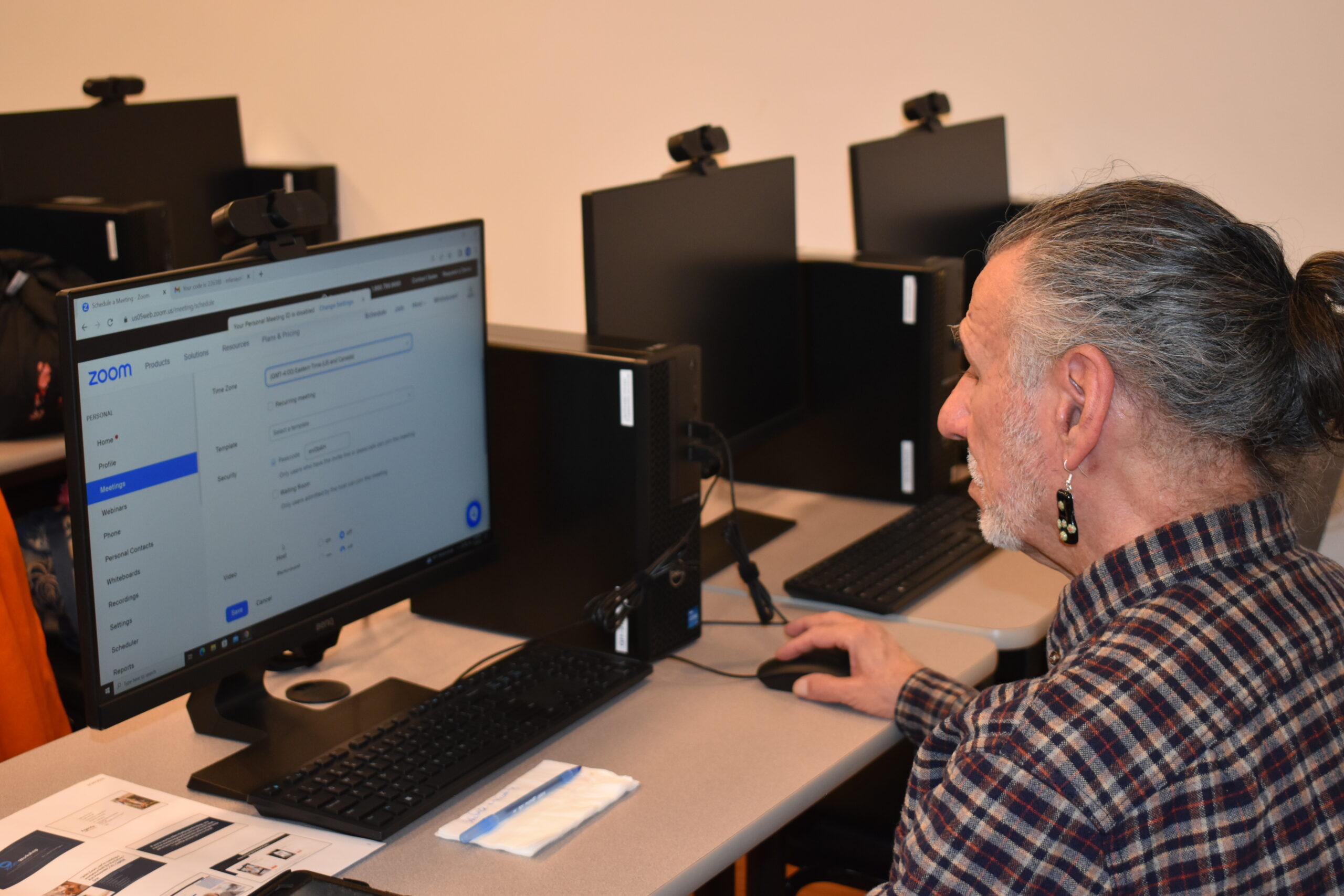
    What’s all the Zoom about? In this fun and interactive workshop, you’ll learn all tips and tricks with Zoom! You will also learn how to get started, set up an account and set a background image, join a meeting, schedule a meeting, download the app, and more. Please come at 2pm if you do not […]

  • Building Your Resume

    Lifelong Skills & Opportunity Center 27 Barrow St, 4th Floor, New York, NY, United States

    This workshop teaches members how to prepare a professional targeted resume that reflects their skills, knowledge and education that are relevant to the job they are seeking. This increases the chance that your resume will pass the automated screening process (i.e. often known as the Applicant Tracking Systems, or ATS resume test) and gets an […]

  • Windows Computers 101

    Lifelong Skills & Opportunity Center 27 Barrow St, 4th Floor, New York, NY, United States

    A 4-part introductory workshop will help you understand the basics of computer usage, including utilizing the keyboard and shortcuts, email, search, and basic functions. This is the third of a four part series that builds upon skills to teach the basics and some advanced topics of Windows computers. Led by Instructor Avi Green.

  • Learn Microsoft Word

    Recurring
    Lifelong Skills & Opportunity Center 27 Barrow St, 4th Floor, New York, NY, United States

    This workshop gives instructions on how to use or improve your skills in Microsoft Word and create documents such as cover letters, resumes, and standard business letters. This is the third of a four part series that builds upon skills to teach the basics and some advanced topics of Microsoft Word. Prerequisite: Ability to use […]

  • Intro to Social Media

    Lifelong Skills & Opportunity Center 27 Barrow St, 4th Floor, New York, NY, United States

    This workshop aims to provide a basic understanding of social media platforms and their benefits. The workshop covers topics such as creating an account, navigating the platform, posting content, and maintaining privacy and security online. The goal is to equip older adults with the skills and knowledge to use social media effectively and stay connected […]

  • Learn Microsoft Excel

    Recurring
    Lifelong Skills & Opportunity Center 27 Barrow St, 4th Floor, New York, NY, United States

    This 4-part workshop series gives basic instructions on how to navigate Microsoft Excel, entering and analyzing data, formatting text and headings, organizing a workbook, formulas, inserting charts, saving and printing, and more! This is the third of a four part series to learn Microsoft Excel. Each class builds upon the previous to learn the basics and […]

  • Assessing Your Skills & Cover Letter Writing

    Lifelong Skills & Opportunity Center 27 Barrow St, 4th Floor, New York, NY, United States

    A practical workshop designed for older adults who are seeking employment or considering re-entering the workforce. The workshop aims to help participants identify their transferable skills and learn how to effectively communicate them through a cover letter.

  • Windows Computers 101

    Lifelong Skills & Opportunity Center 27 Barrow St, 4th Floor, New York, NY, United States

    A 4-part introductory workshop will help you understand the basics of computer usage, including utilizing the keyboard and shortcuts, email, search, and basic functions. This is the fourth of a four part series that builds upon skills to teach the basics and some advanced topics of Windows computers. Led by Instructor Avi Green.

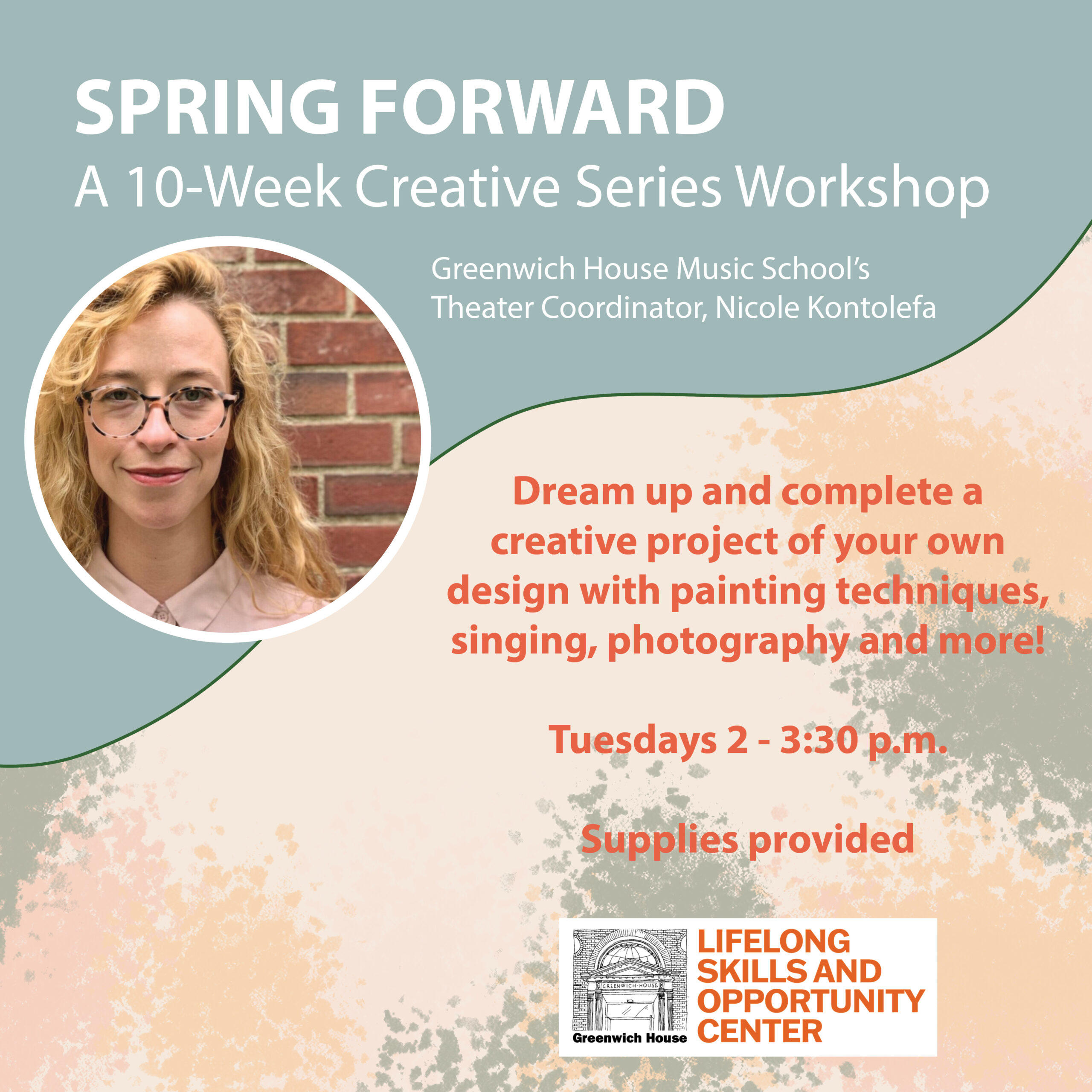
  • Spring Forward

    Recurring
    Lifelong Skills & Opportunity Center 27 Barrow St, 4th Floor, New York, NY, United States

    A creative workshop using painting, poetry, drawing and more.  Lead by Theater Coordinator, Nicole Kontolefa.  A culminating event and showcase will be on June 2nd, 2023.

  • Learn Microsoft Word

    Recurring
    Lifelong Skills & Opportunity Center 27 Barrow St, 4th Floor, New York, NY, United States

    This workshop gives instructions on how to use or improve your skills in Microsoft Word and create documents such as cover letters, resumes, and standard business letters. This is the fourth of a four part series that builds upon skills to teach the basics and some advanced topics of Microsoft Word. Prerequisite: Ability to use […]

  • Learn Microsoft Excel

    Recurring
    Lifelong Skills & Opportunity Center 27 Barrow St, 4th Floor, New York, NY, United States

    This 4-part workshop series gives basic instructions on how to navigate Microsoft Excel, entering and analyzing data, formatting text and headings, organizing a workbook, formulas, inserting charts, saving and printing, and more! This is the fourth of a four part series to learn Microsoft Excel. Each class builds upon the previous to learn the basics […]

  • Interview Skills to Land a Job

    Lifelong Skills & Opportunity Center 27 Barrow St, 4th Floor, New York, NY, United States

    The workshop aims to help participants develop effective interview skills that will make them stand out to potential employers. Participants will learn how to prepare for an interview, how to answer common interview questions, and how to make a positive impression on the interviewer.