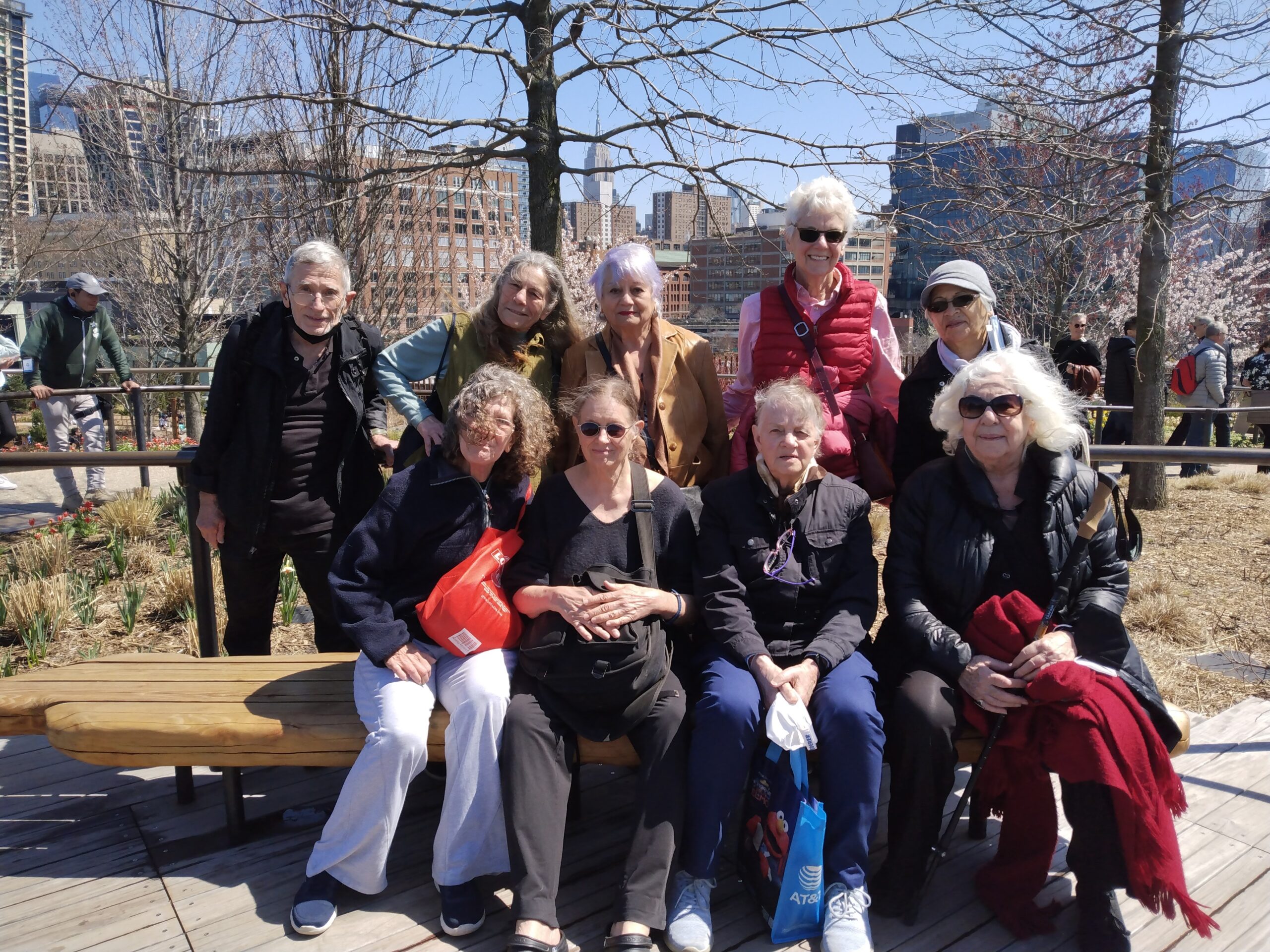
Walk-a-Thon
Center on the Square 20 Washington Square N., New York, NY, United StatesWalking class will meet every Monday to take walks around the West and East Village area. The class will walk for 30 minutes.
Walking class will meet every Monday to take walks around the West and East Village area. The class will walk for 30 minutes.
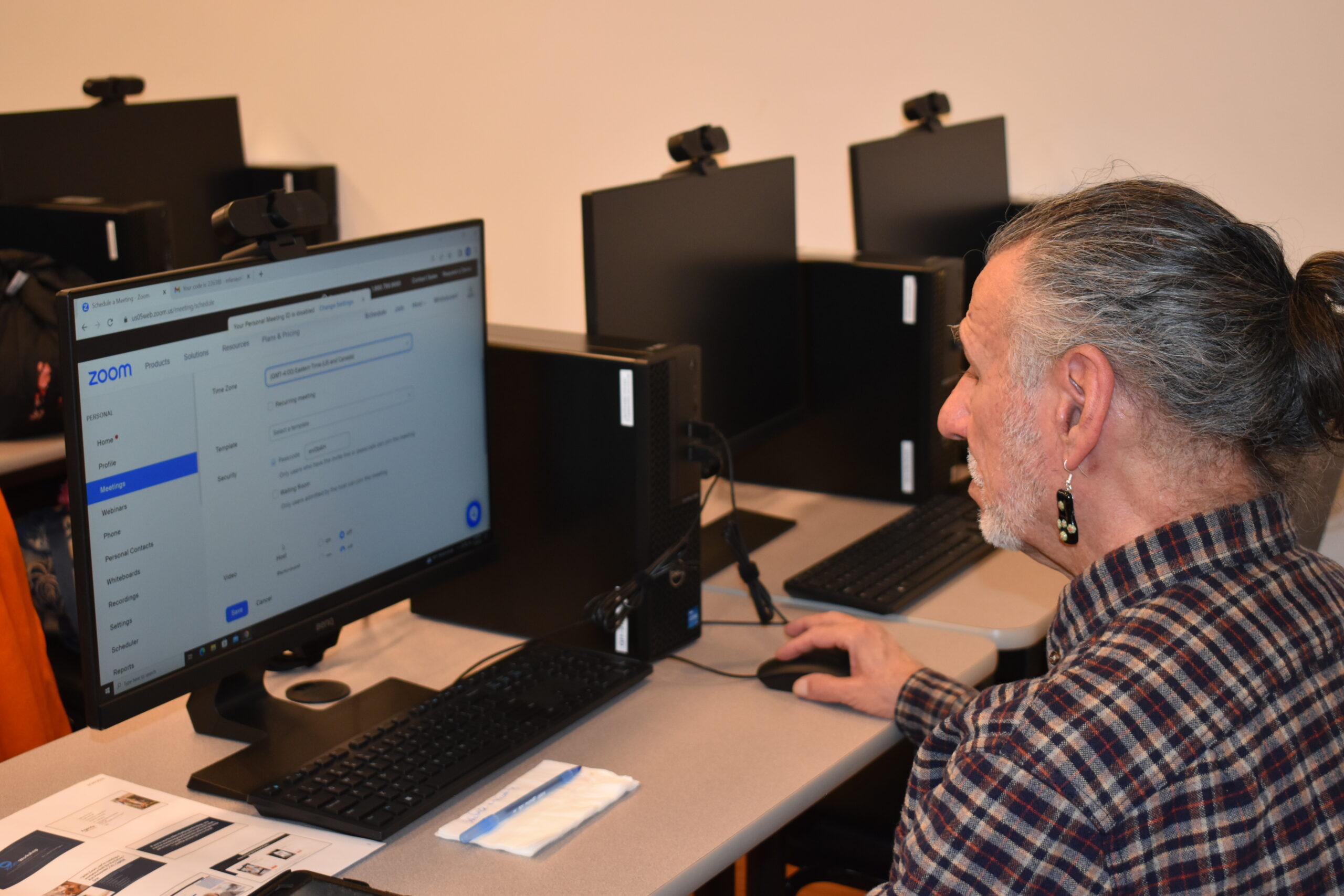
This workshop gives instructions on how to use or improve your skills in Microsoft Word and create documents such as cover letters, resumes, and standard business letters. Prerequisite: Ability to use keyboard and mouse. Led by Tech Specialist Avi Green.
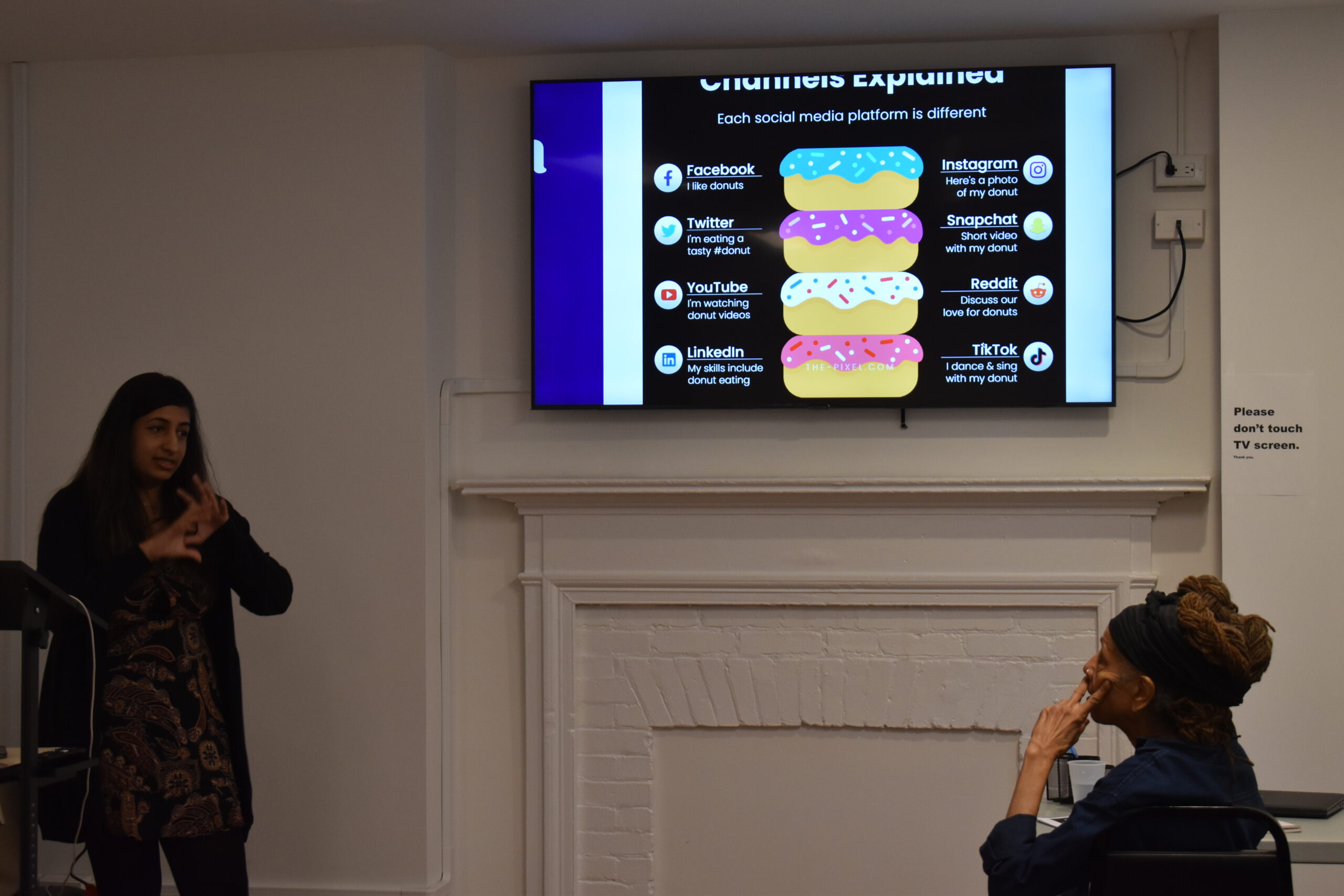
Ever wonder just how to use your Amazon Alexa at home? This interactive workshop will tell you how! This class will cover topics such as: what is Alexa, what devices are supported by Alexa, how to set it up, basic and advanced features, how to customize it, common buttons, and live activities. Led by BoomerEm's […]
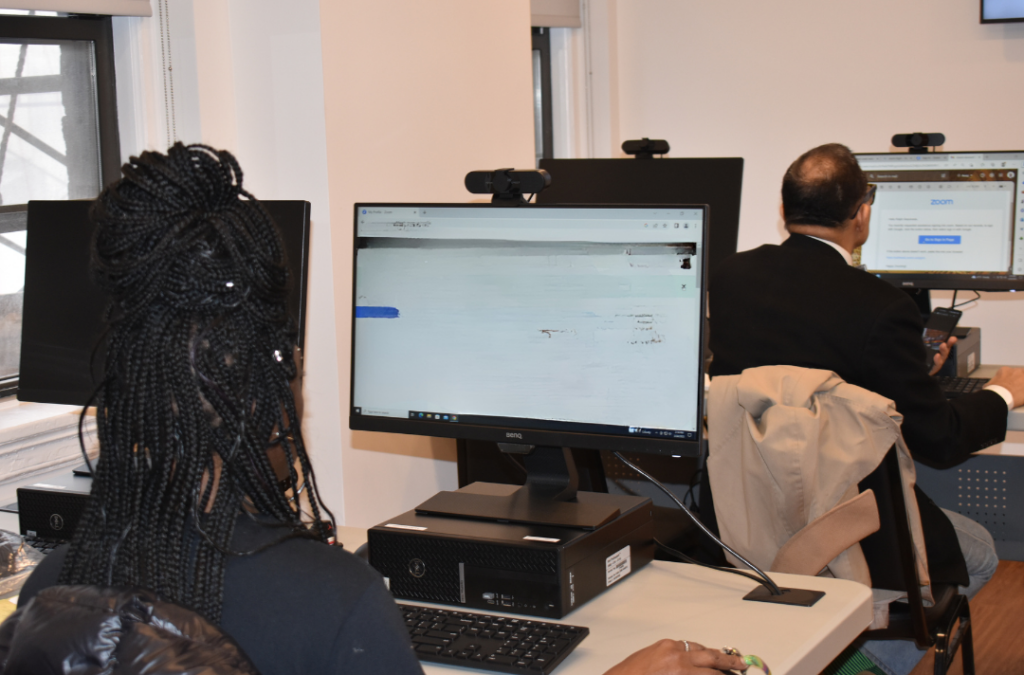
A 4-part introductory workshop will help you understand the basics of computer usage, including utilizing the keyboard and shortcuts, email, search, and basic functions. This is the first of a four part series that builds upon skills to teach the basics and some advanced topics of Windows computers. Led by Instructor Avi Green.

Charles Schwab Volunteers will help serve you lunch! On the menu is Chicken Parmesan, Penne Pasta, Broccoli. For you vegetarians out there, we will serve Ziti with Vegetables and Mixed Green Salad

In honor of Older Americans Month, Charles Schwab Volunteers will help serve seniors lunch. On the menu is Chicken Parmesan, Penne Pasta, Broccoli. For you Vegetarians, the menu will be Ziti with Vegetables and Mixed Green Salad.
This workshop gives instructions on how to use or improve your skills in Microsoft Word and create documents such as cover letters, resumes, and standard business letters. This is the first of a four part series that builds upon skills to teach the basics and some advanced topics of Microsoft Word. Prerequisite: Ability to use […]
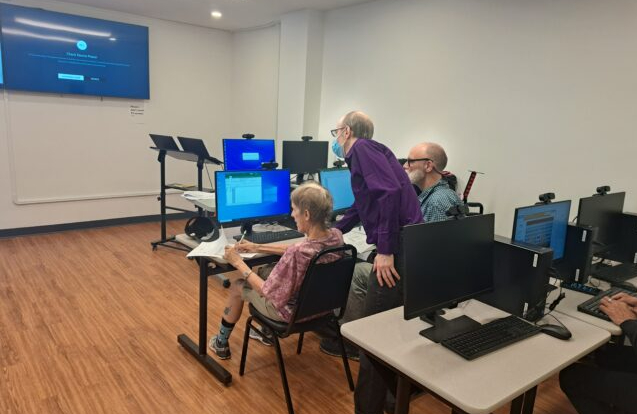
This 4-part workshop series gives basic instructions on how to navigate Microsoft Excel, entering and analyzing data, formatting text and headings, organizing a workbook, formulas, inserting charts, saving and printing, and more! This is the first of a four part series to learn Microsoft Excel. Each class builds upon the previous to learn the basics […]
This program is a great fit for those who have have retired and want to reenter the workforce, been out of the workforce for some time, want to build on current skills and wish to return to work, want to understand the basics of how to reenter today’s job market, or those who want one-on-one […]
A 4-part introductory workshop will help you understand the basics of computer usage, including utilizing the keyboard and shortcuts, email, search, and basic functions. This is the second of a four part series that builds upon skills to teach the basics and some advanced topics of Windows computers. Led by Instructor Avi Green.
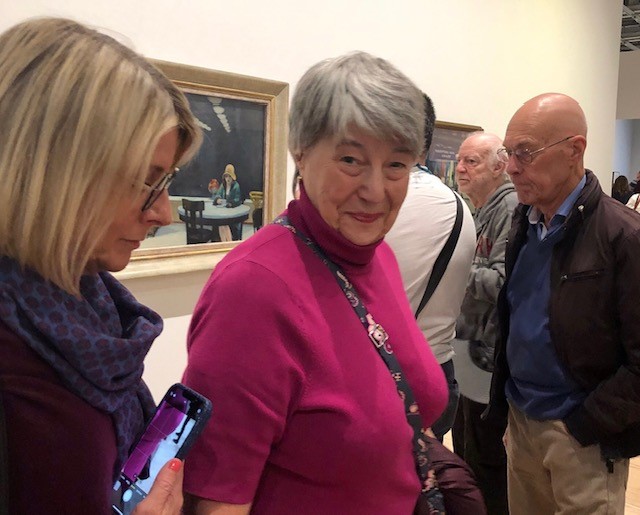
Our member Emma tells the story of her family's flight from the USSR and religious persecution in 1979 and how her family's emigration to the US changed the lives of their children and future generations.
This workshop gives instructions on how to use or improve your skills in Microsoft Word and create documents such as cover letters, resumes, and standard business letters. This is the second of a four part series that builds upon skills to teach the basics and some advanced topics of Microsoft Word. Prerequisite: Ability to use […]
Help ensure Greenwich House can be here for our neighbors at every stage of life.